What Is CRM Software? A Complete Guide for Small Businesses
Gofylix Team
May 15, 2026
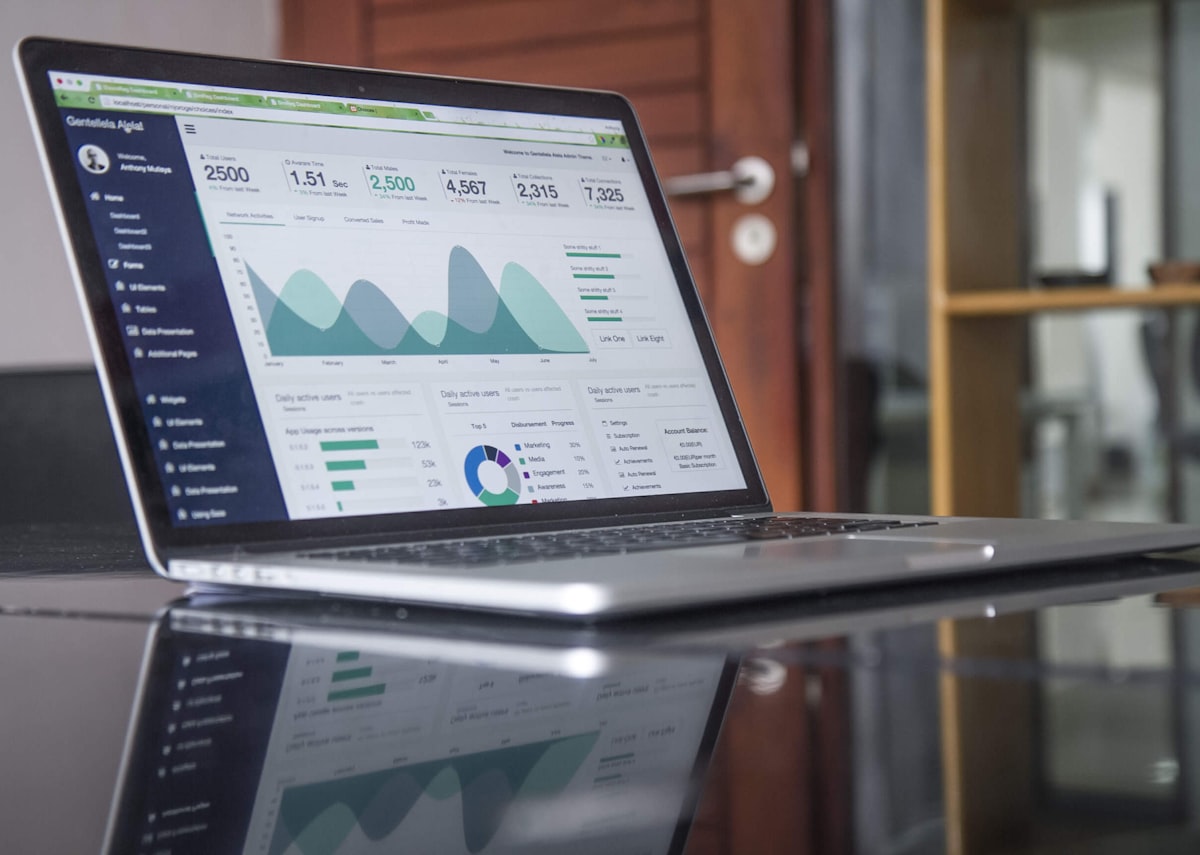
CRM software is one of the most important tools a small business can invest in. But what exactly is it, and how does it help? In this guide, we'll break down everything you need to know about CRM software — from the basics to advanced features — so you can make an informed decision for your business.
What Is CRM Software?
CRM stands for Customer Relationship Management. CRM software is a tool that helps businesses manage every interaction with leads and customers in one place. It stores contact information, tracks conversations, schedules follow-ups, manages sales pipelines, and gives you a clear picture of where each deal stands.
For small businesses, a good CRM means no lead falls through the cracks and every customer gets a timely response. Instead of juggling spreadsheets, inboxes, and sticky notes, everything lives in one organized system.
Why Do Small Businesses Need CRM Software?
Small businesses lose revenue every day because leads go uncontacted, follow-ups are forgotten, and customer data is scattered. CRM software solves this by centralizing your contact database, automating repetitive tasks, and giving your team a single source of truth.
With a CRM, you can respond to new leads in seconds, nurture them with automated sequences, and track every deal from first touch to closed sale — without hiring a larger team.
Core Features of CRM Software
Lead Management
Every lead that comes into your business — from your website, Facebook ads, WhatsApp, or web forms — lands in your CRM. You can assign leads to team members, set priority levels, and trigger automated follow-up sequences.
Contact Management
Store every contact's details, conversation history, notes, and interactions in a single profile. When a customer calls, you have full context at your fingertips.
Sales Pipeline
A visual, drag-and-drop board to track deals through every stage of your sales process. See what's new, what's stuck, and what's about to close.
Automation
Automate follow-ups across WhatsApp, SMS, and email. Send a welcome message instantly, follow up after two days, and nurture with educational content — all on autopilot.
Appointment Booking
Let clients schedule appointments directly from your booking page. The CRM syncs with your calendar and sends automated reminders.
Reporting & Analytics
Know exactly how your business is performing. Track lead sources, conversion rates, pipeline value, and revenue by channel.
CRM vs Excel: Which Is Better for Small Businesses?
Many small businesses start with Excel or Google Sheets to manage contacts. While spreadsheets work for very small operations, they quickly become unmanageable as you grow. You can't automate follow-ups from a spreadsheet. You can't send WhatsApp messages from Excel. And you can't visualize your sales pipeline in a Google Sheet.
A CRM does all of this and more. It's the difference between manually managing every interaction and having a system that works for you 24/7.
How Much Does CRM Software Cost?
CRM software pricing varies widely. Enterprise tools like Salesforce can cost $300+ per user per month. But for small businesses, there are affordable all-in-one options that include CRM, marketing automation, booking, and more — often for less than the cost of a single enterprise CRM seat.
The key is to look at the total cost of ownership. Most small businesses pay for 4–6 separate tools (CRM, email marketing, booking, SMS, WhatsApp, reviews). An all-in-one platform like Gofylix replaces all of them for a fraction of the cost. Use our CRM Savings Calculator to see how much you could save.
How to Choose the Right CRM for Your Small Business
When evaluating CRM software, consider:
- Ease of use: Can your team learn it quickly without technical training?
- Multi-channel support: Does it support WhatsApp, SMS, and email — not just email?
- Automation capabilities: Can you build automated follow-up sequences without coding?
- Booking integration: Can clients book appointments directly?
- Pricing: Is it affordable for a small business, or does it charge per user?
- Scalability: Will it grow with your business?
Frequently Asked Questions
What is CRM software?
CRM software is a tool that helps businesses manage customer relationships by storing contact information, tracking interactions, automating follow-ups, and visualizing the sales pipeline — all in one centralized system.
Is CRM software suitable for small businesses?
Yes. CRM software is especially valuable for small businesses because it automates tasks that would otherwise require a larger team. It helps you respond faster, follow up consistently, and close more deals.
How much does CRM software cost?
Costs vary widely, but small businesses can find all-in-one CRM platforms that include marketing automation, booking, and more for an affordable monthly price. Start with a free trial to test before committing.
Conclusion
CRM software is no longer optional for small businesses that want to grow. It's the foundation that ensures every lead is captured, every customer is followed up with, and every deal is tracked. If you're still using spreadsheets and inboxes to manage your customer relationships, it's time to upgrade.
Learn more about Gofylix CRM software or start your 7-day free trial today.
 Translate